

Full View
Similar items
128G RX6S Retro Handheld Console Linux System 3.5-inch IPS Screen Portable Pocket Video Player 64GB Game Friend Gift
CZK52.06
CZK70.28 -25% OFF

Genuine Pop Popping Game It! Push-Play Puzzle Game Console Speed Push Gopher, 4 Modes of Play | Teenage Boys & Girls Ages 3-12 and up (White)
CZK21.93
CZK34.56 -36% OFF
128G Open Source R36S Game Console Linux System 3.5 Inch IPS Screen Orange Portable Pocket Video Player 64GB Best Games
CZK61.03
CZK78.43 -22% OFF
AISLPC RG43H PRO Retro Handheld Game Console 22000+Games 2.4G WIFI RK3562 4.3" 1024*768 Resolution Portable Pocket Video
CZK91.16
CZK150.08 -39% OFF
Virtual Keychain For Boys Girls Pets Retro Handheld Filled Eggs Easter Kids Game ELECTRONIC ANIMAL Gift
CZK30.21
CZK41.41 -27% OFF
XF40V Retro Handheld Console Linux System 4.0 Inch IPS Screen 64GB/128GB Game Player New Updated
CZK70.41
CZK110.12 -36% OFF
Mini TV Handheld Family Recreation Video Game Console AV Output Retro Built-in 620 Classic Games Dual Gamepad Gaming
CZK37.32
CZK48.39 -22% OFF
ARKOS R36S Upgrade R36XX Retro Handheld Console Open-Source Linux System Built-in Wifi Game Consoles 3.5inch IPS Screen
CZK75.87
CZK118.78 -36% OFF
WDYQJE R36T Retro TV Handheld Game Console Wifi Multiplayer Linux System 128GB Portable 3.5 Inch IPS Screen Pocket Video
CZK49.99
CZK64.09 -22% OFF
TRIMUI BRICK Hammer Retro Handheld Game Console 3.2'' IPS Screen Linux System CNC-Machined Metal Exterior Key LED
CZK23.67
CZK30.08 -21% OFF
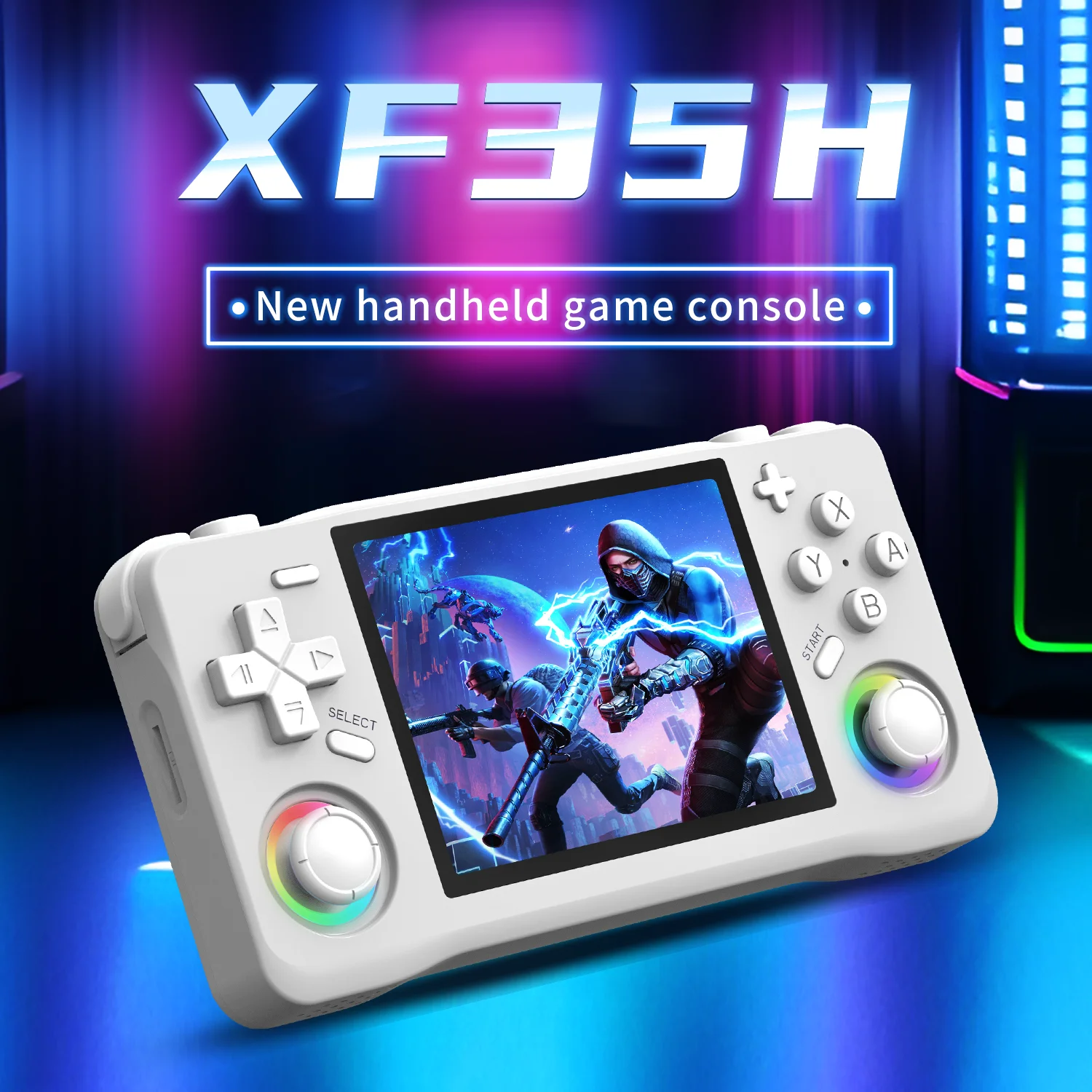
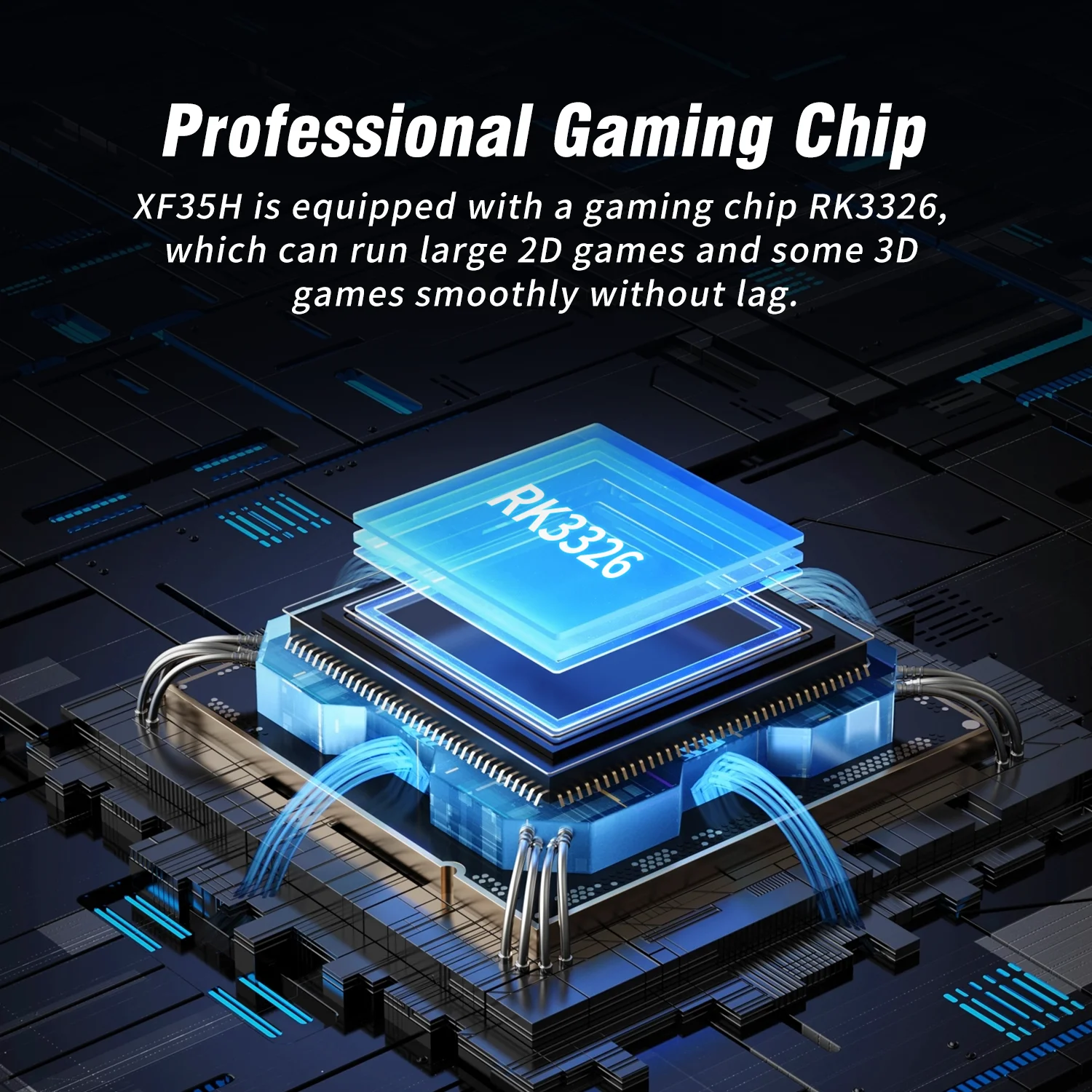
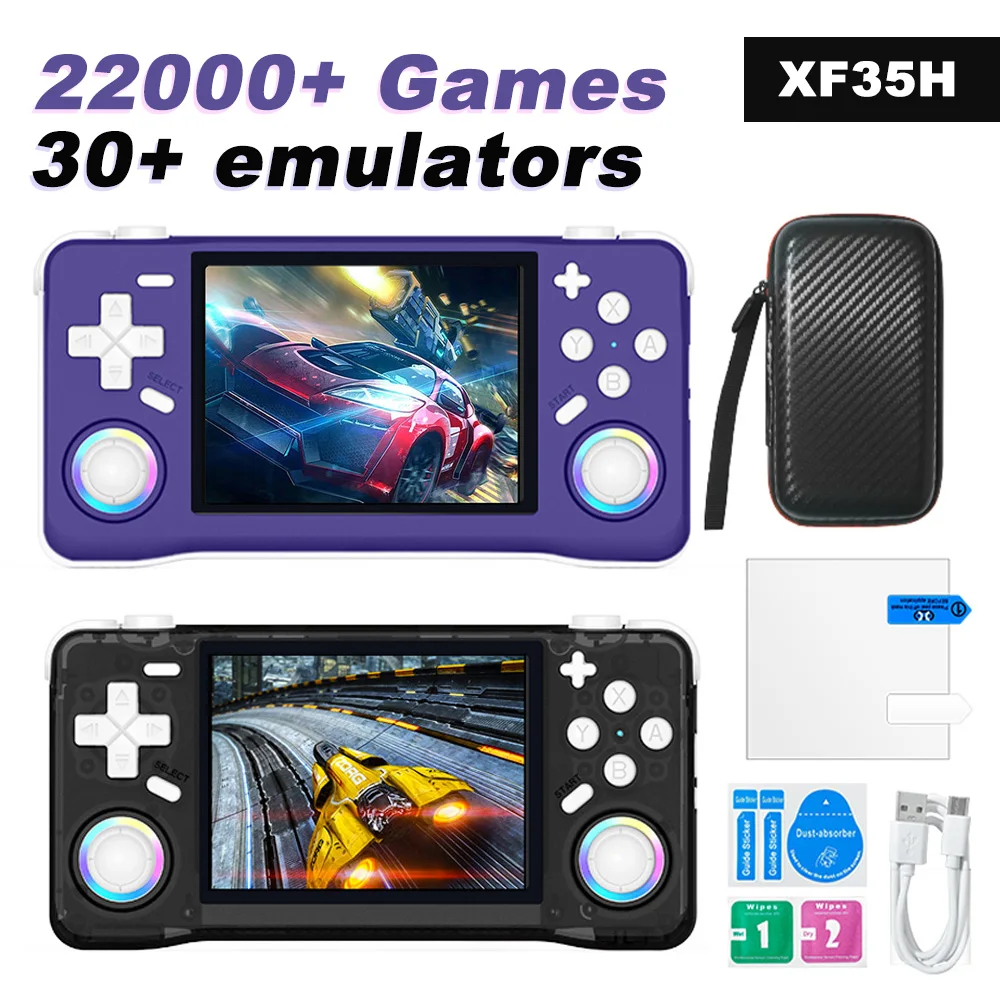
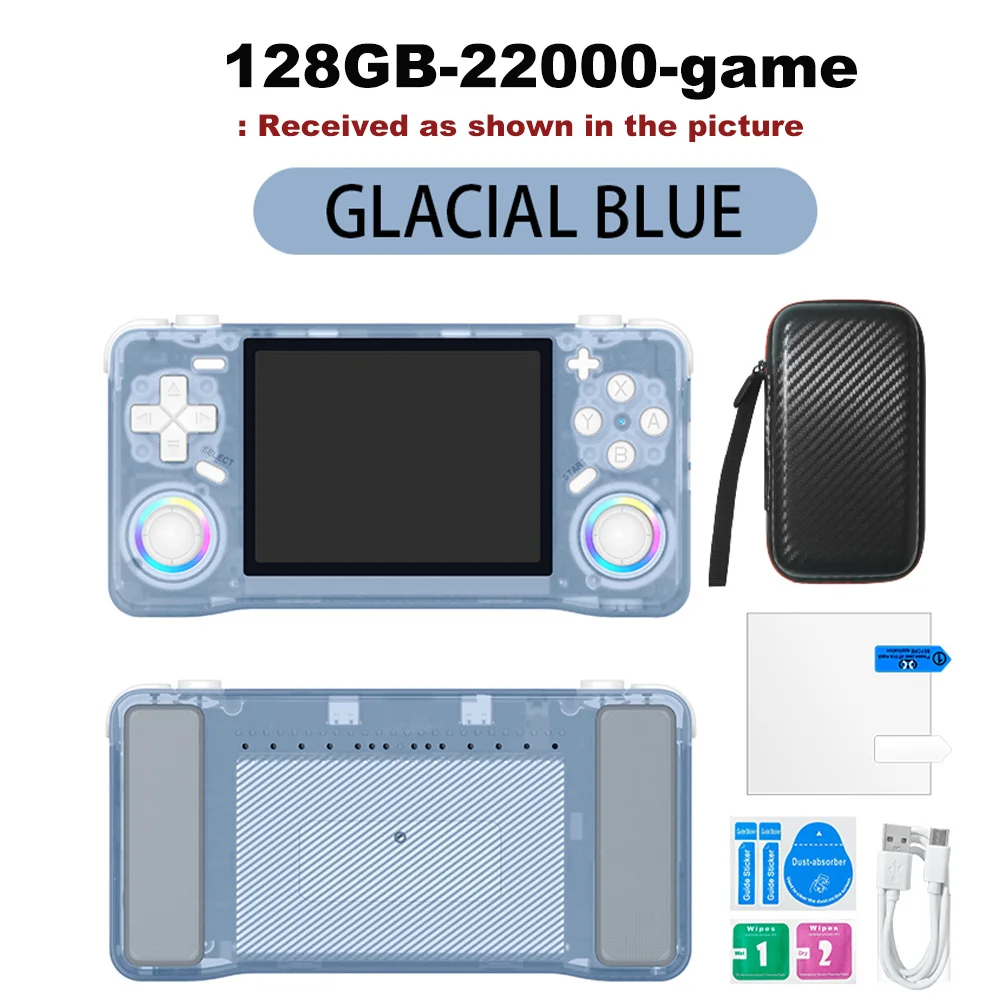
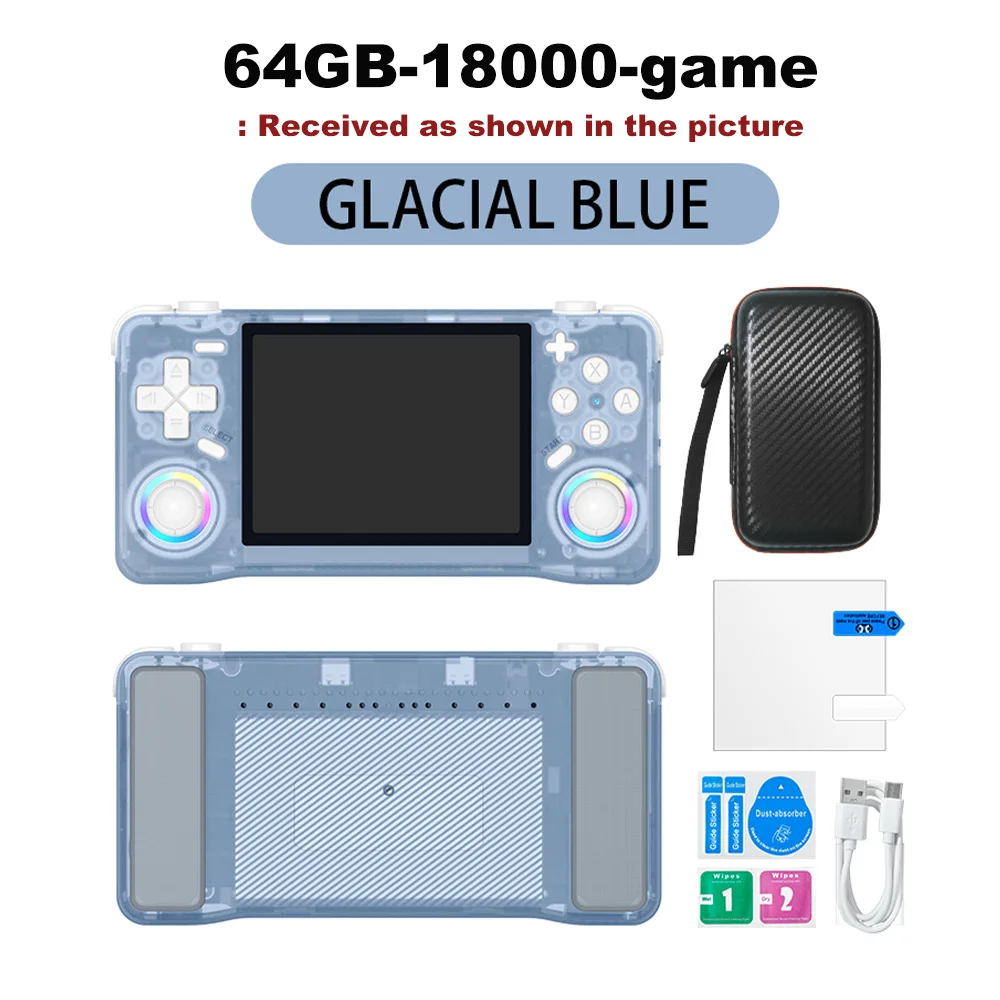
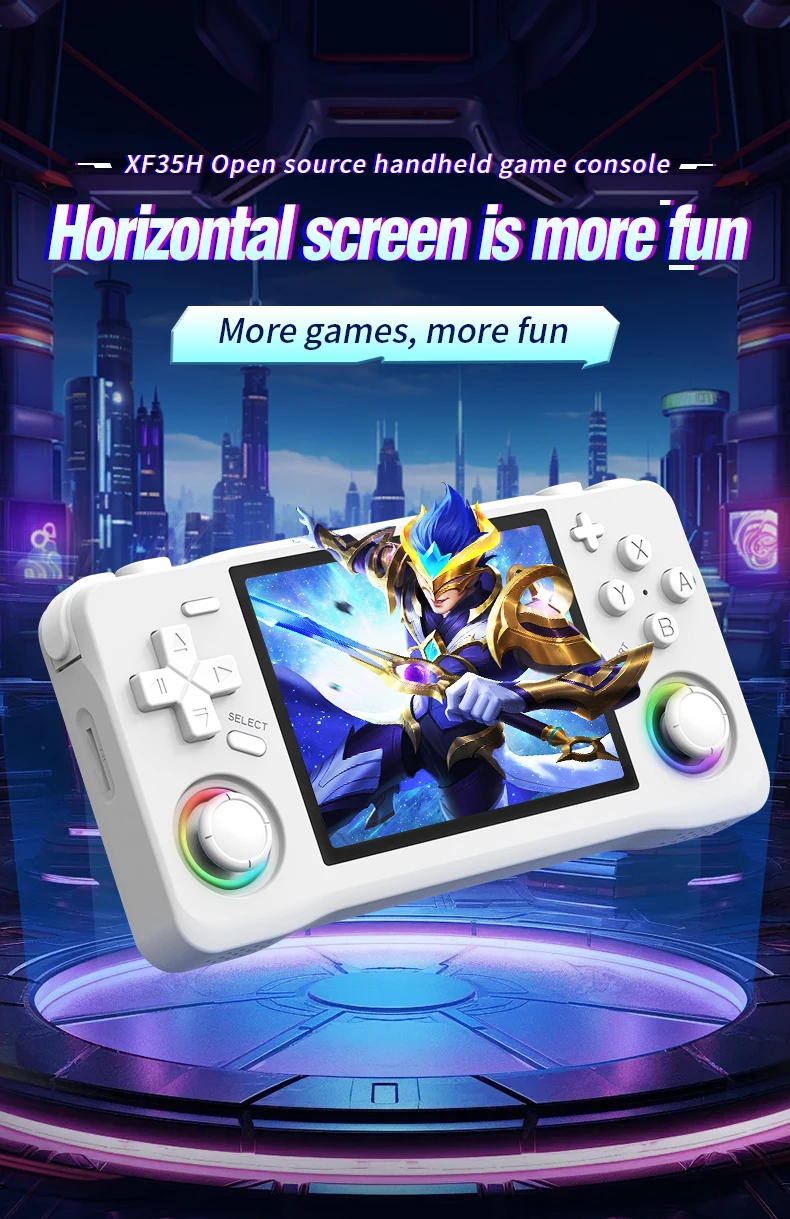
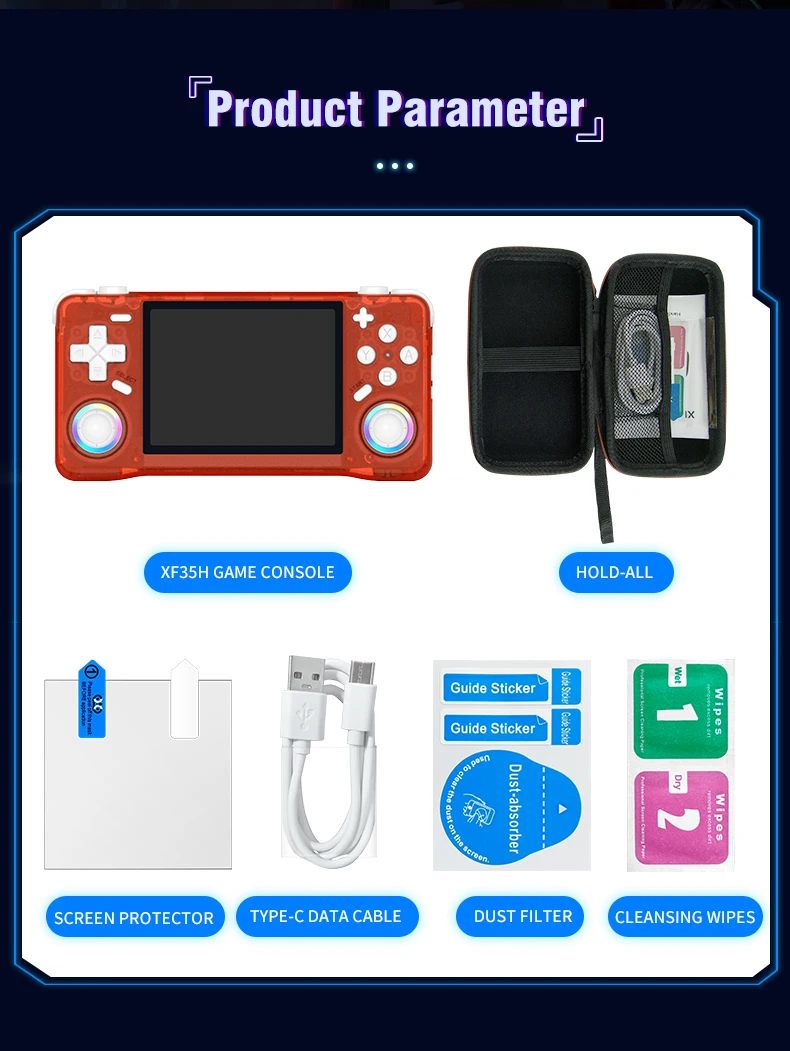
The XF35H Retro Handheld Video Game Console Features Linux System, A 3.5-inch IPS Screen, And Pocket-sized Gaming
CZK1,273.86CZK1,952.22
Color : Blue 64GB
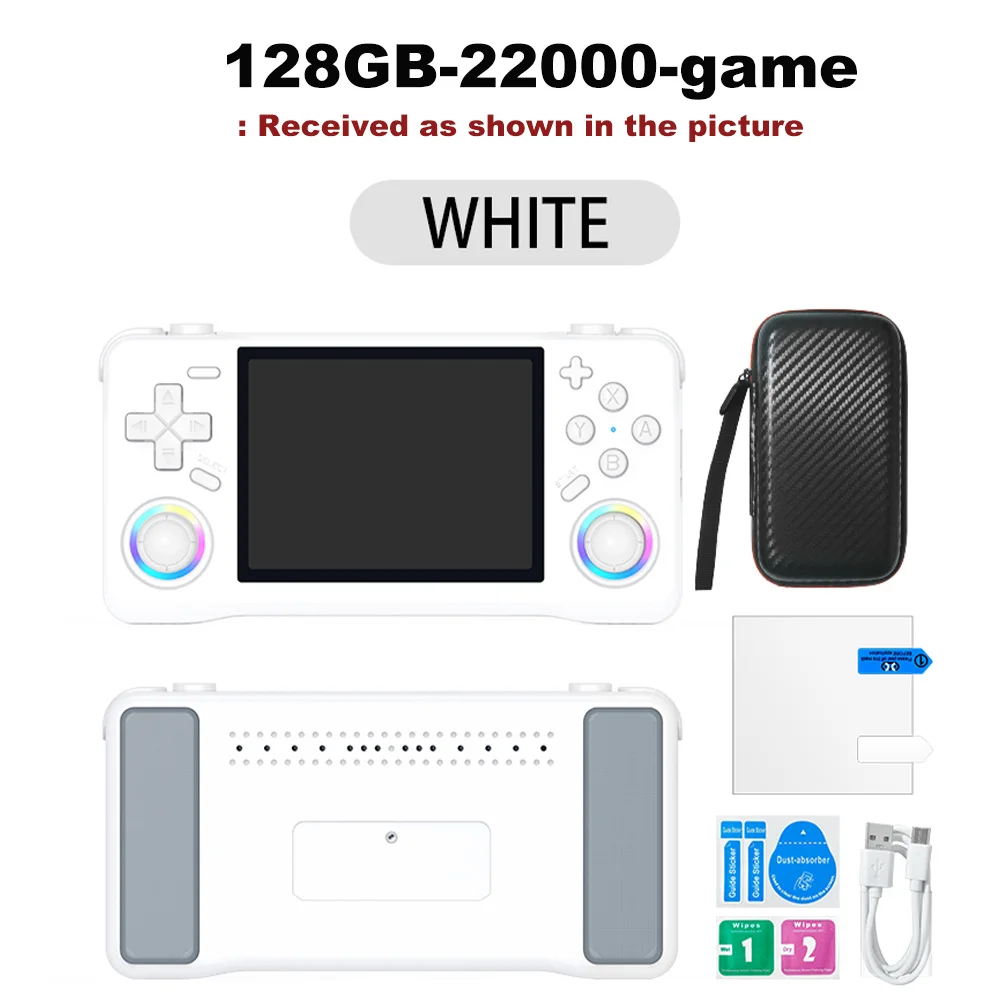
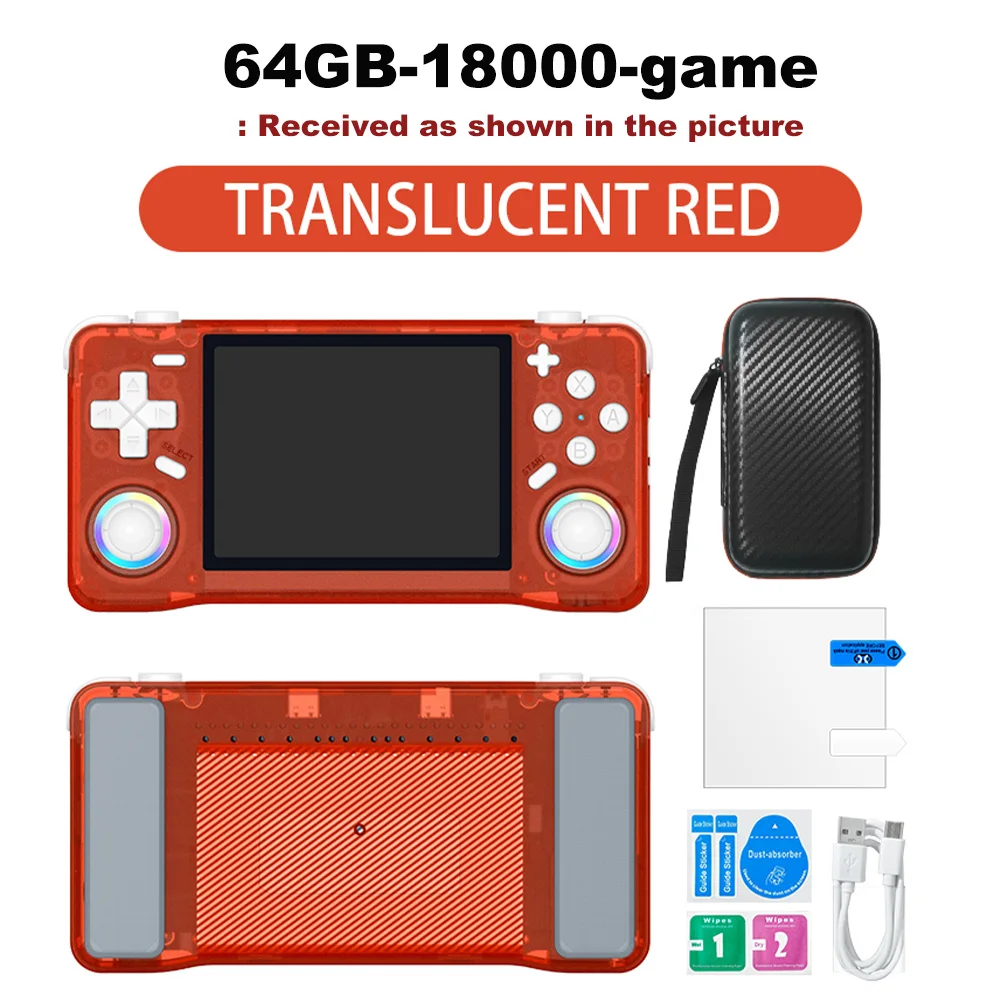
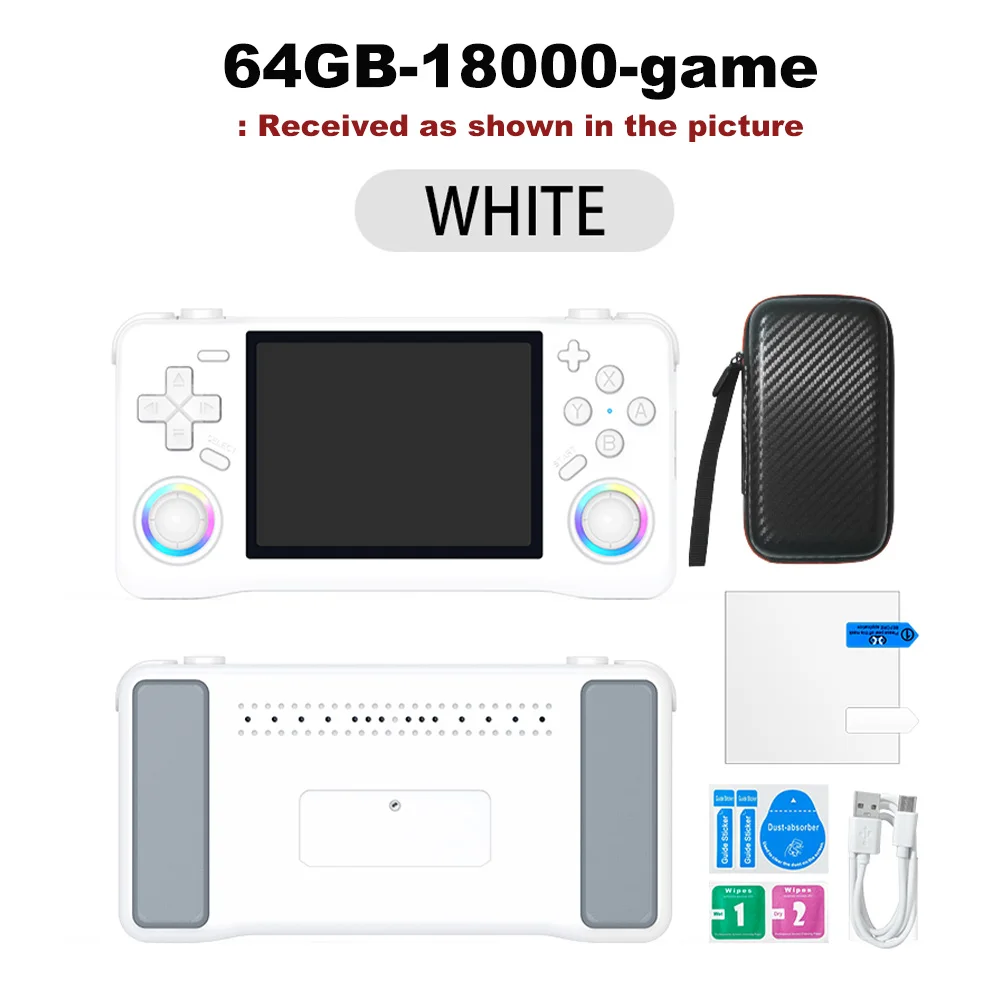
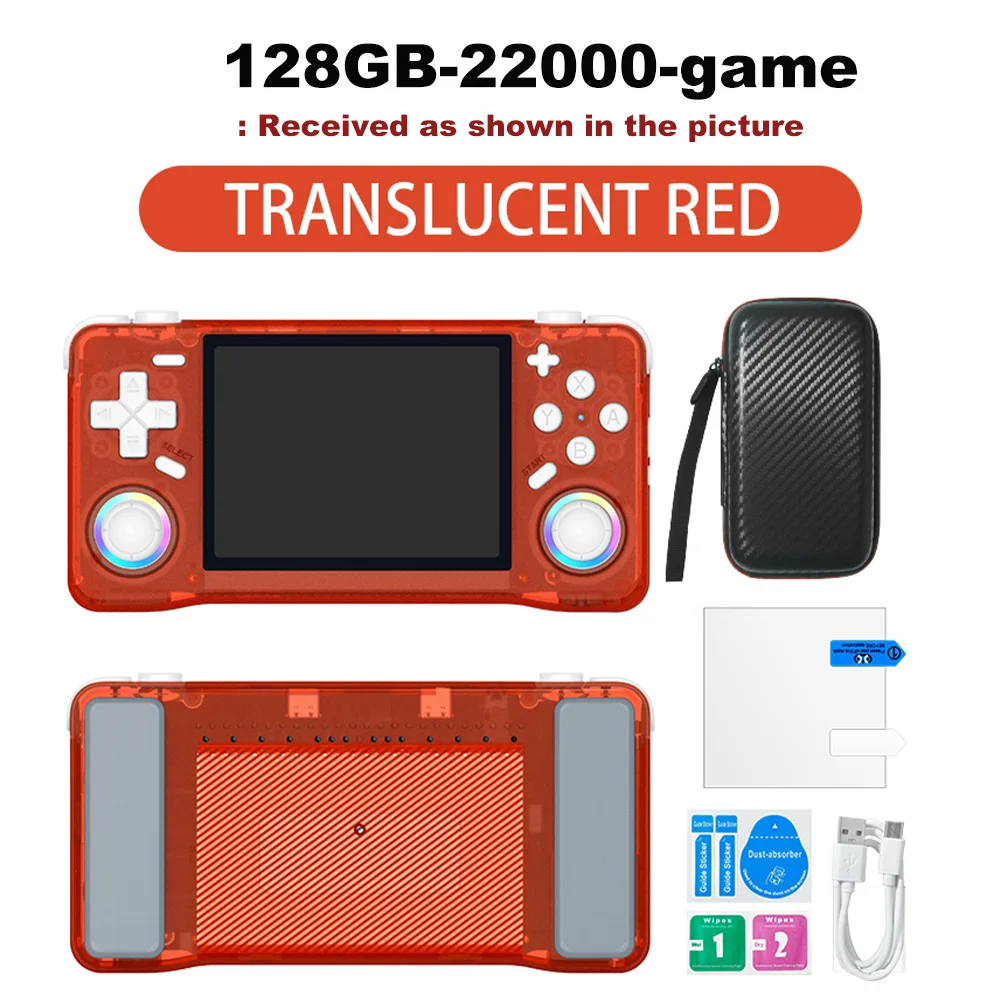
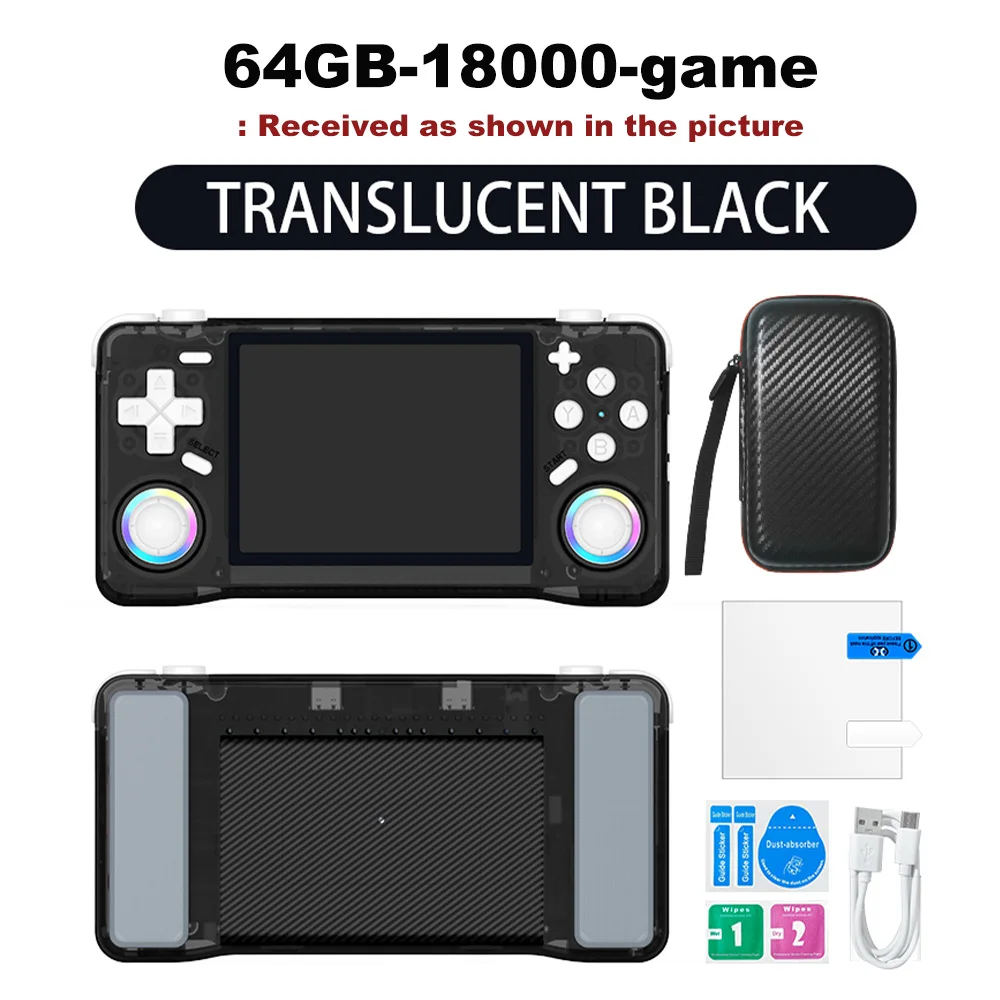
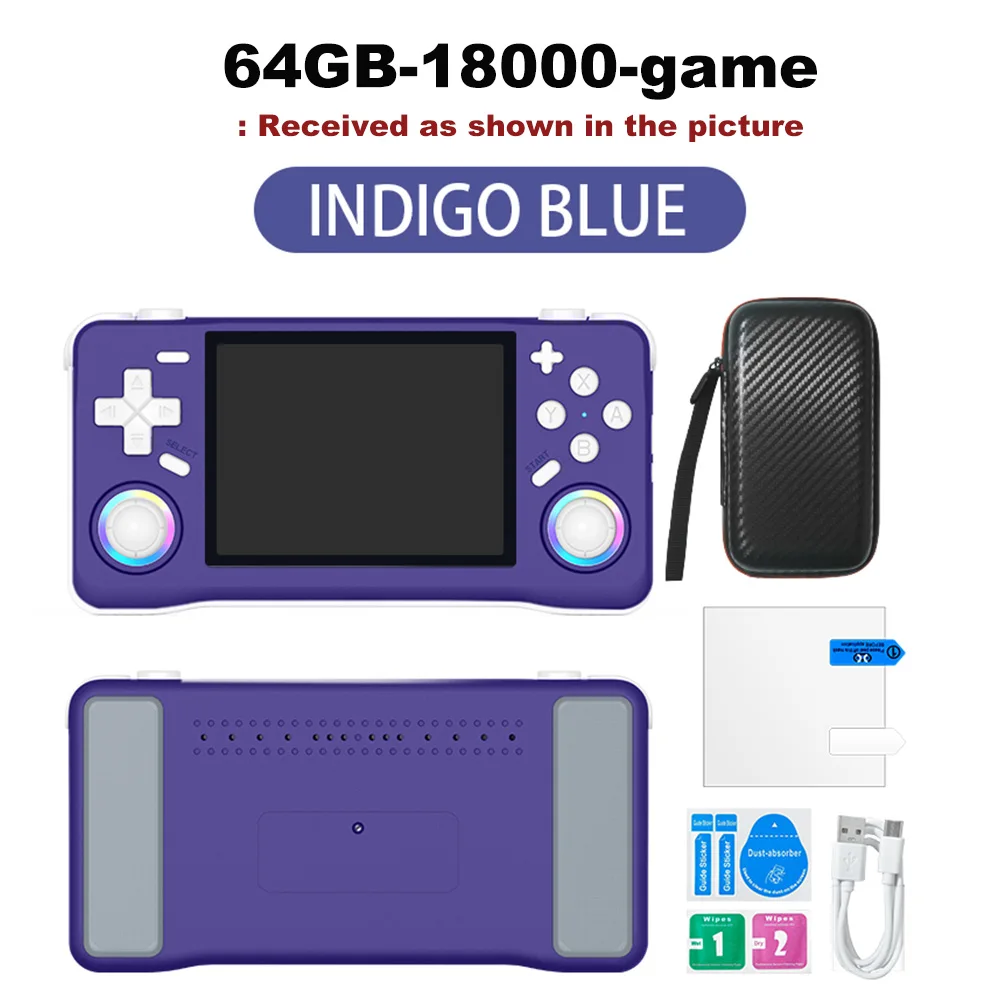
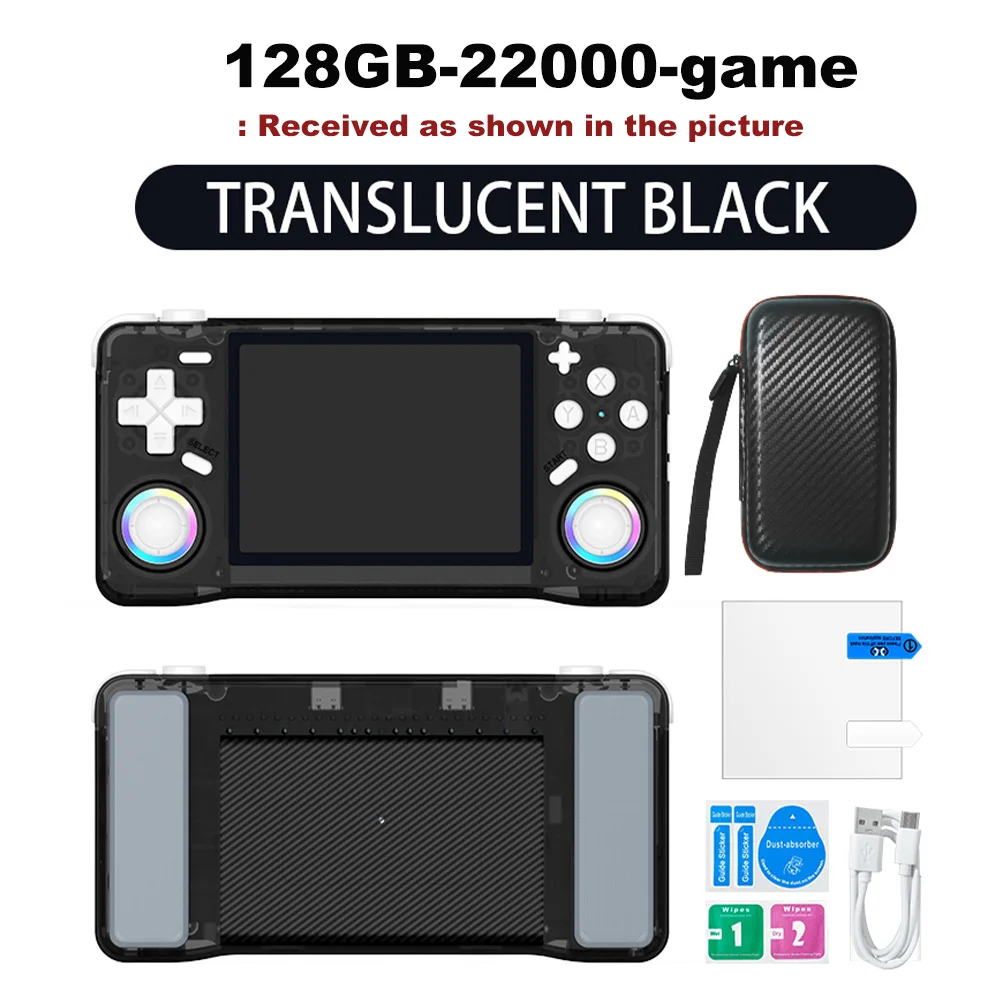
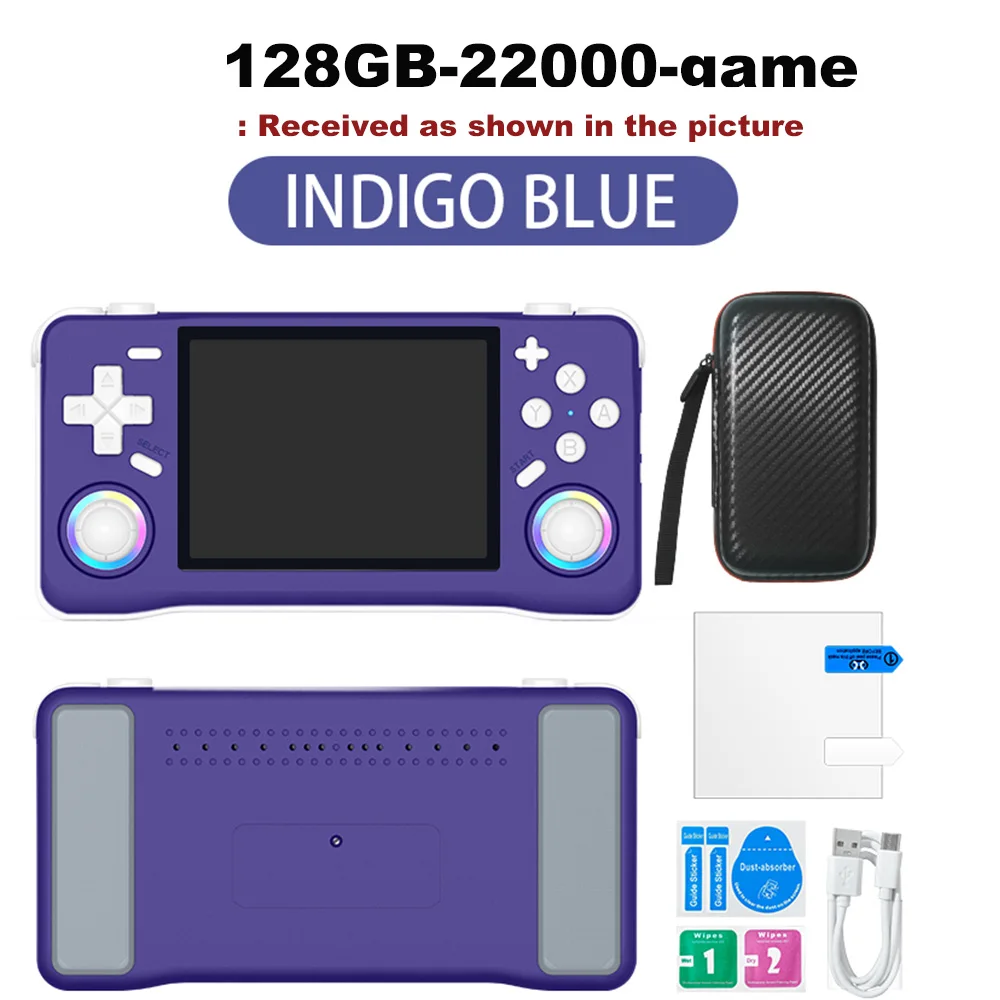
Quantity :

Report
Include copyright infringementFree Standard Shipping. See details
Estimated between Mon, Aug 3 and Sat, Aug 8
You can return the product within 30 days of receipt. See details
Shop with confidence

Money Back Guarantee
Get the item you ordered or your money back. Learn more
About this item
Sourced from TechNex
Seller assumes all responsibility for this listing.Item number: 39304692
Item specifics
Color Display
Yes, No
Connection
Wi-Fi, Bluetooth, Usb
Display Size
2.7", 3.0", 3.25"
Touch Screen
Yes, No
Item description from the seller
Multilingual Support
Enjoy games in Japanese, expanding your gaming horizons with this multilingual handheld console.
Ample Storage
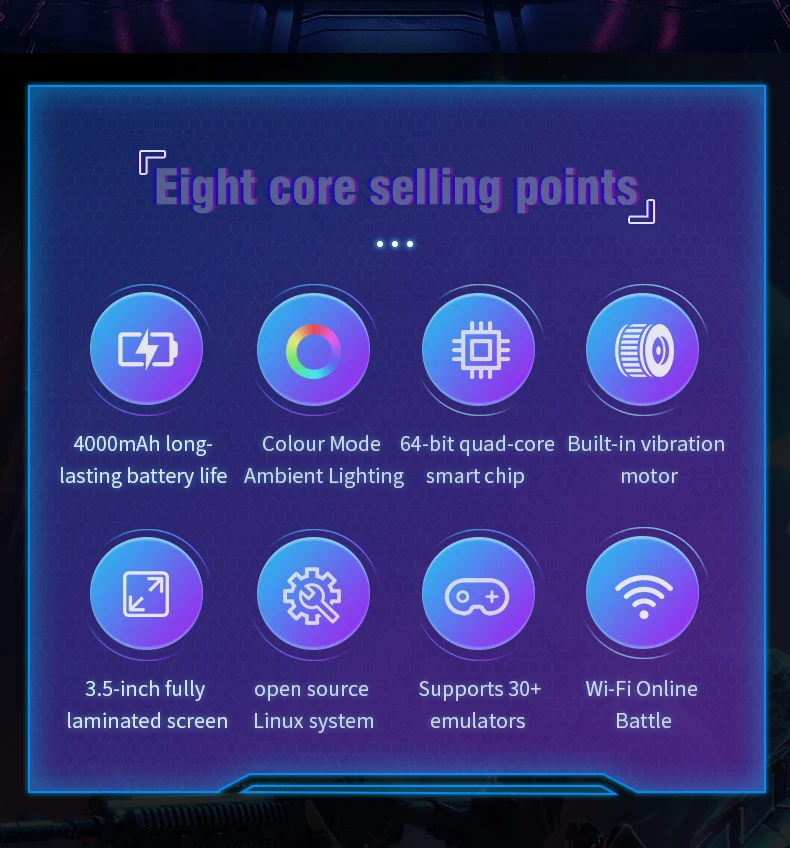
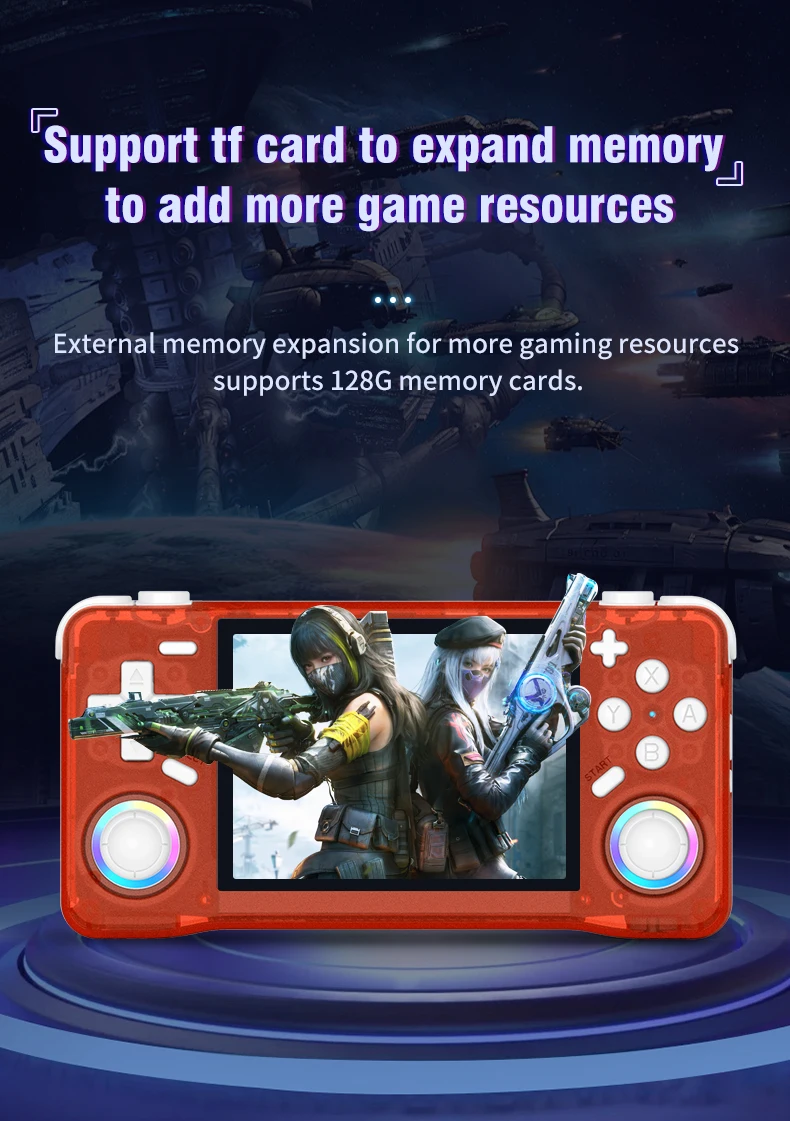
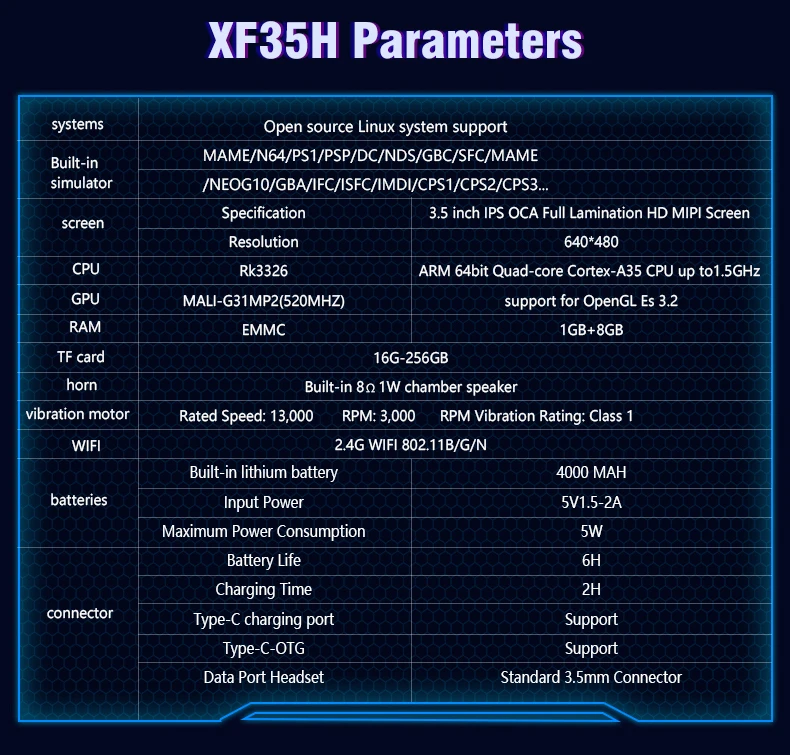
The XF35H comes with 128GB of preloaded games, ensuring you have plenty of entertainment wherever you are.
High-Resolution Display
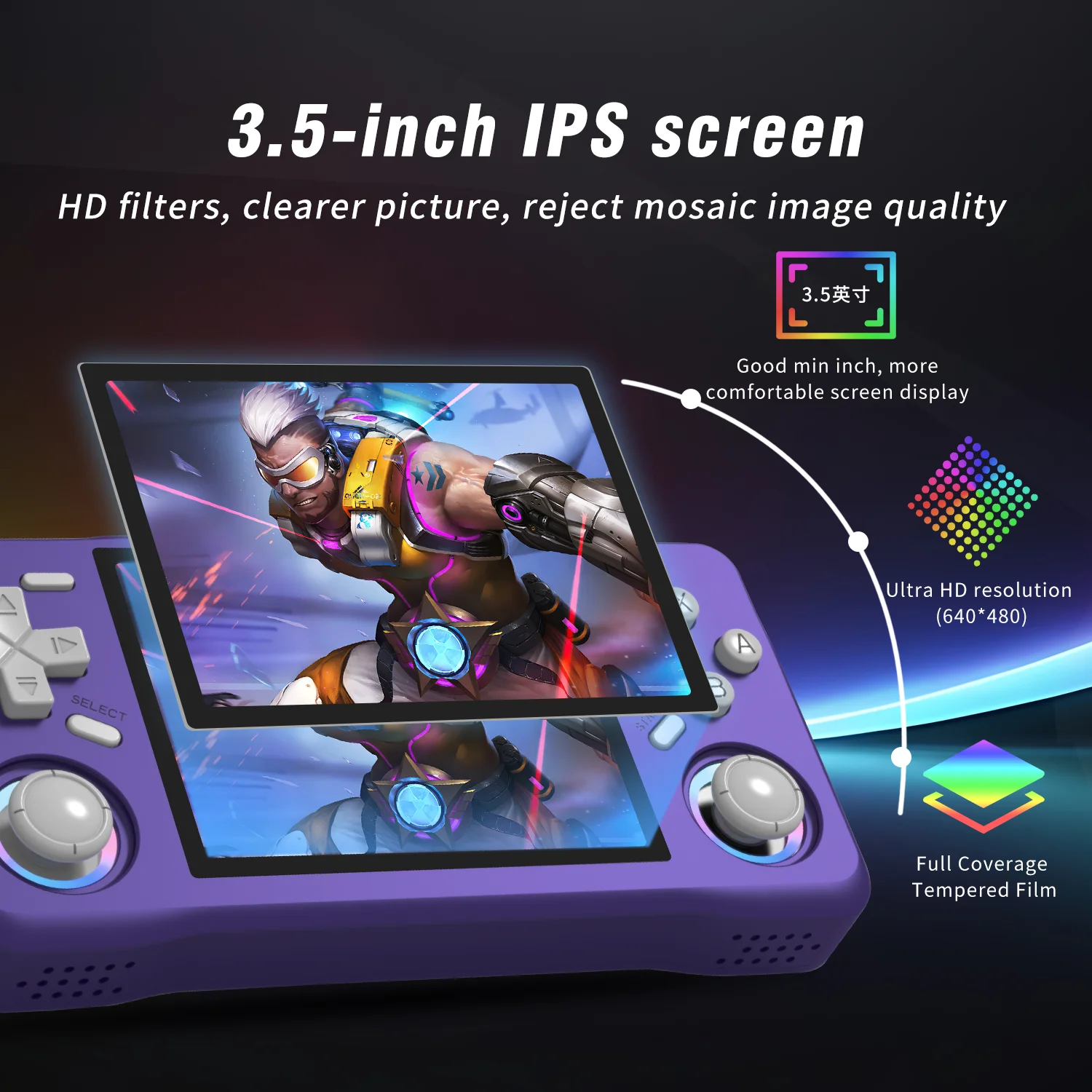
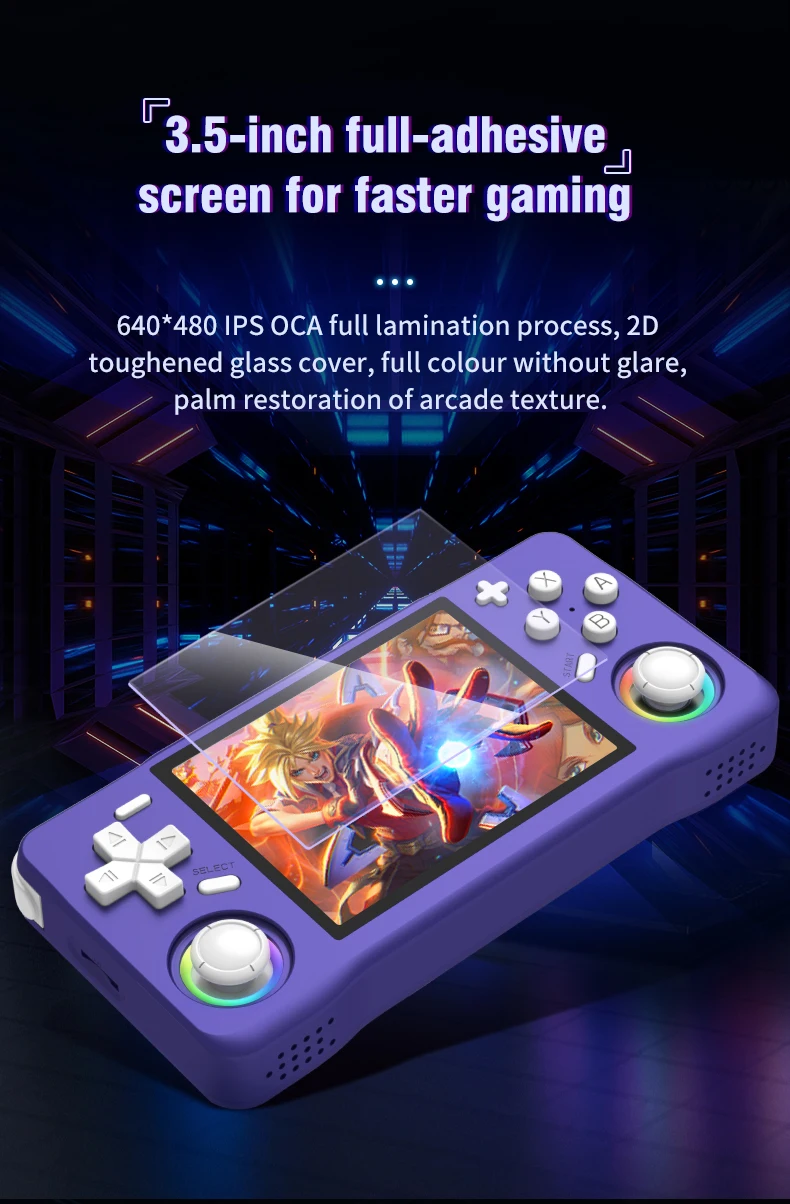
Experience clear visuals with a 3.5" IPS screen offering a resolution of 640x480, perfect for gaming on the go.
Linux System
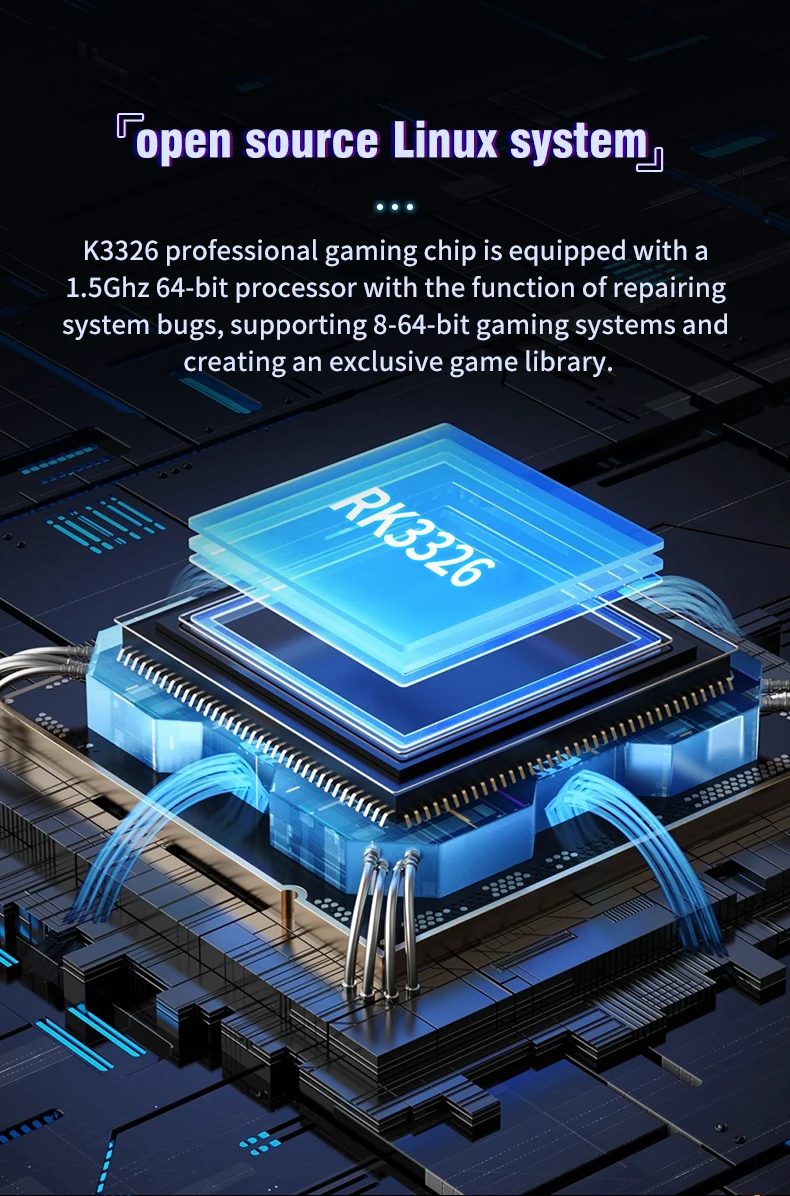
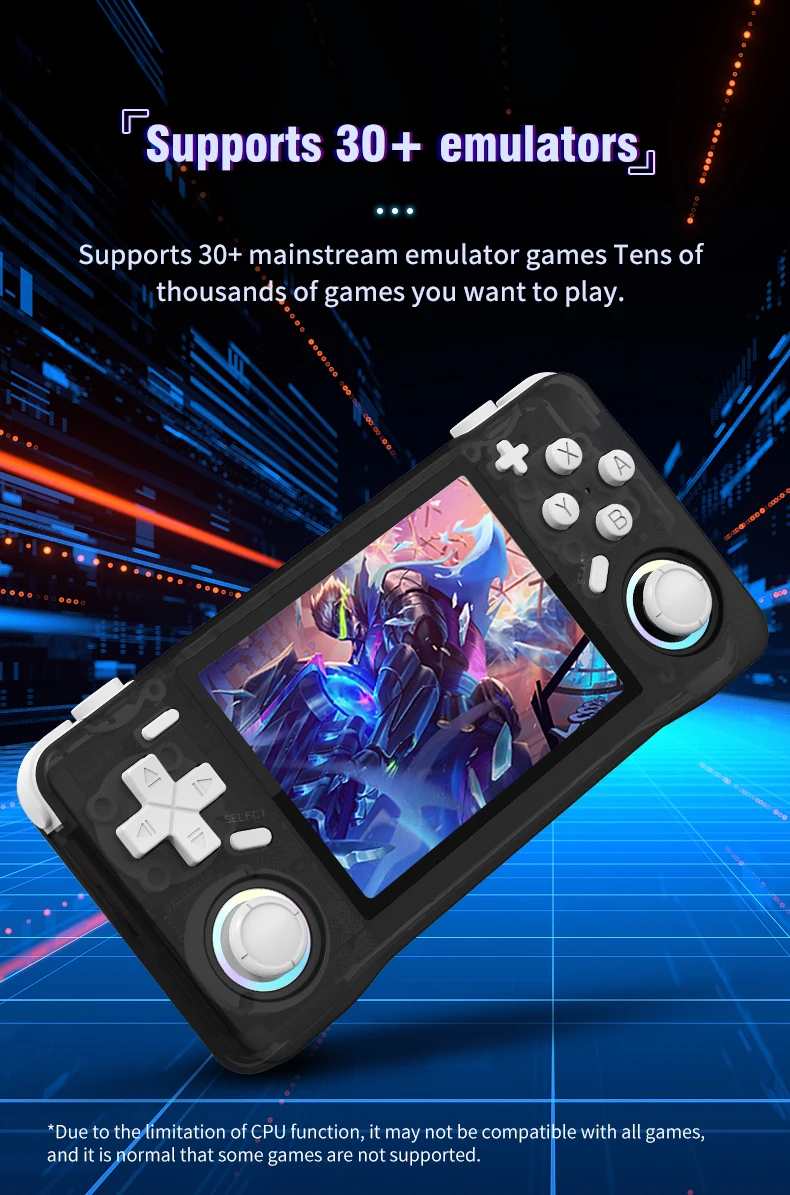
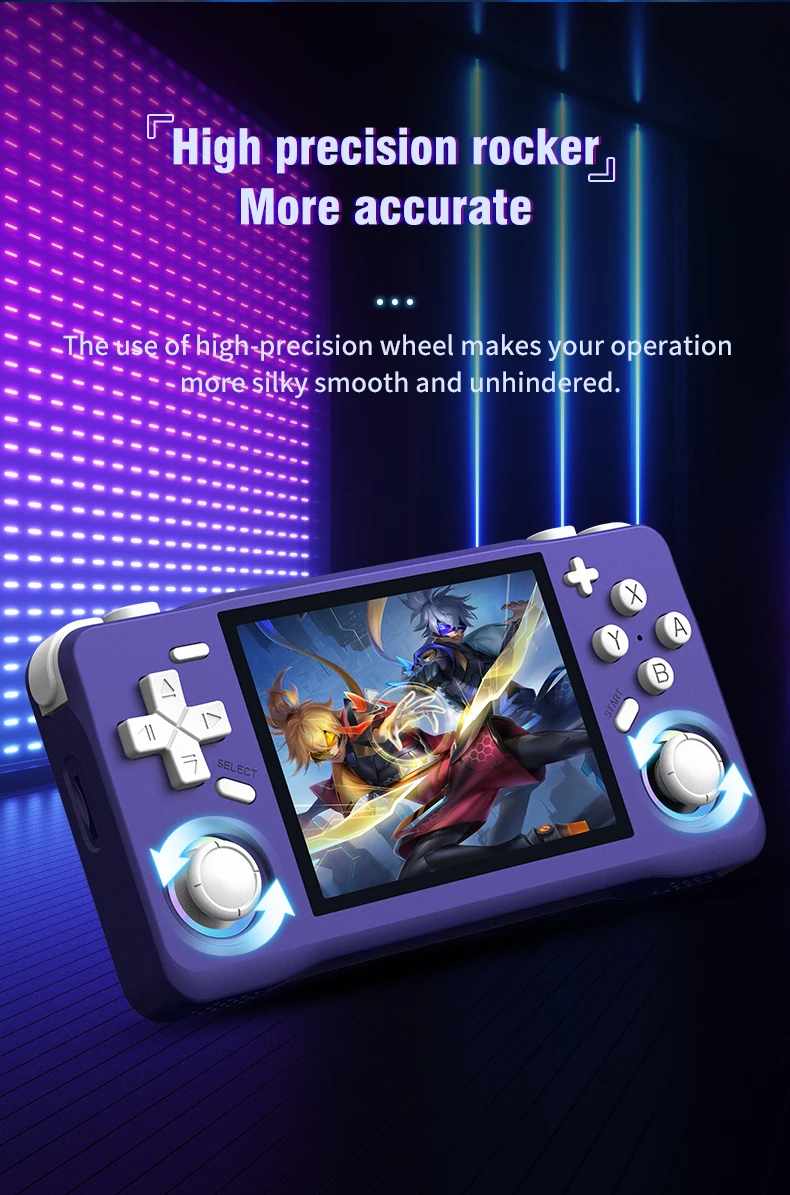
Equipped with a Linux system, this handheld offers a unique gaming experience with a wide range of compatibility.
Portable Design
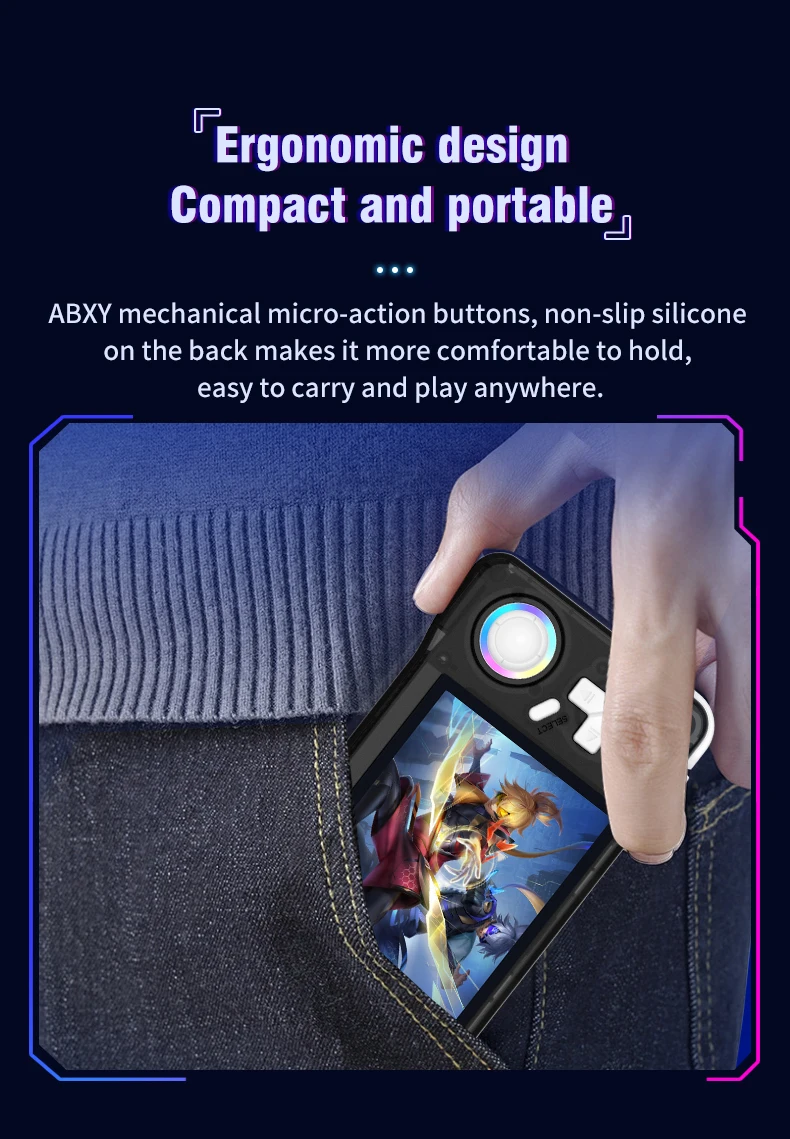
This pocket-sized player is designed for convenience, making it an ideal companion for travel or leisure.
A nanny-style tutorial:
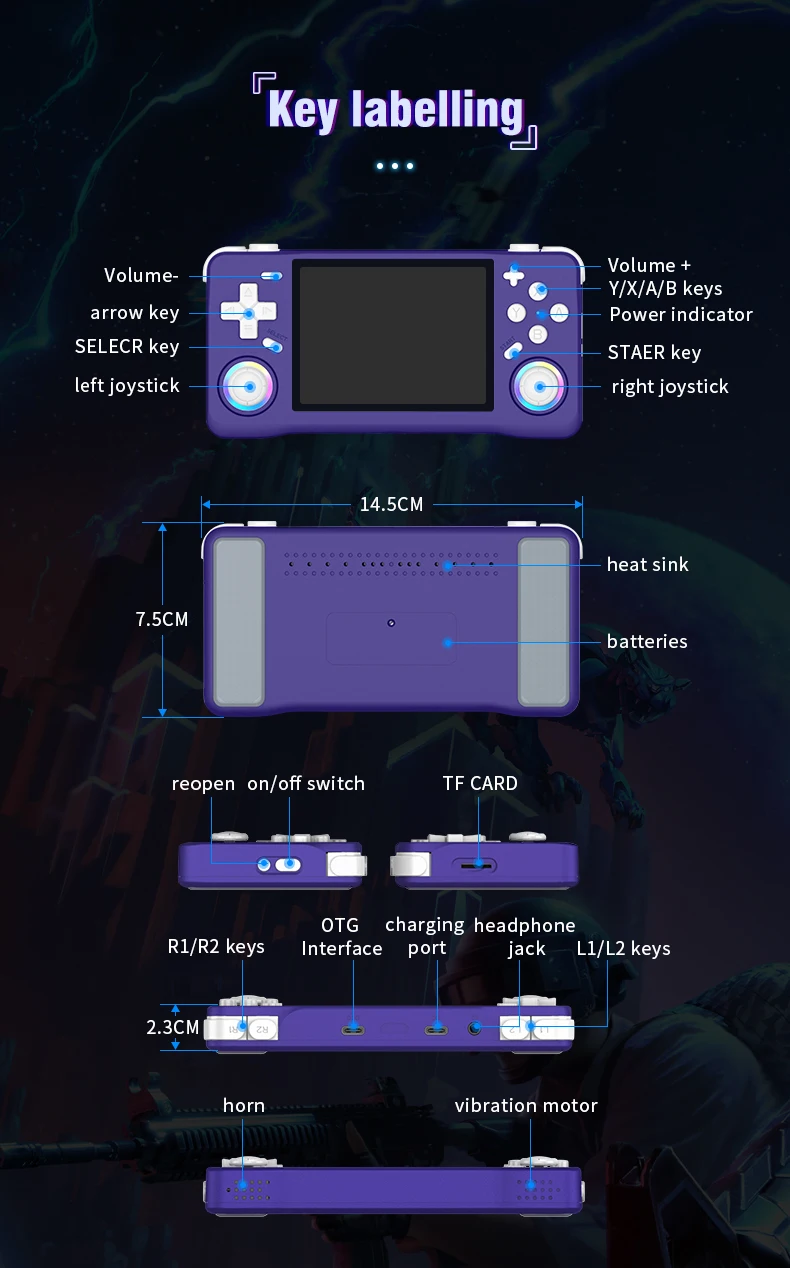
Three power on and off instructions
Power on: Press and hold the power button for 5 seconds, wait patiently for about 25 seconds, and enter the operation interface.
Power off: Press and hold the power button for 7 seconds to display the power off menu. Press the A button by default to power off.
Note: Please exit the game before shutting down, and do not press any keys when the system starts up.
Charging instructions
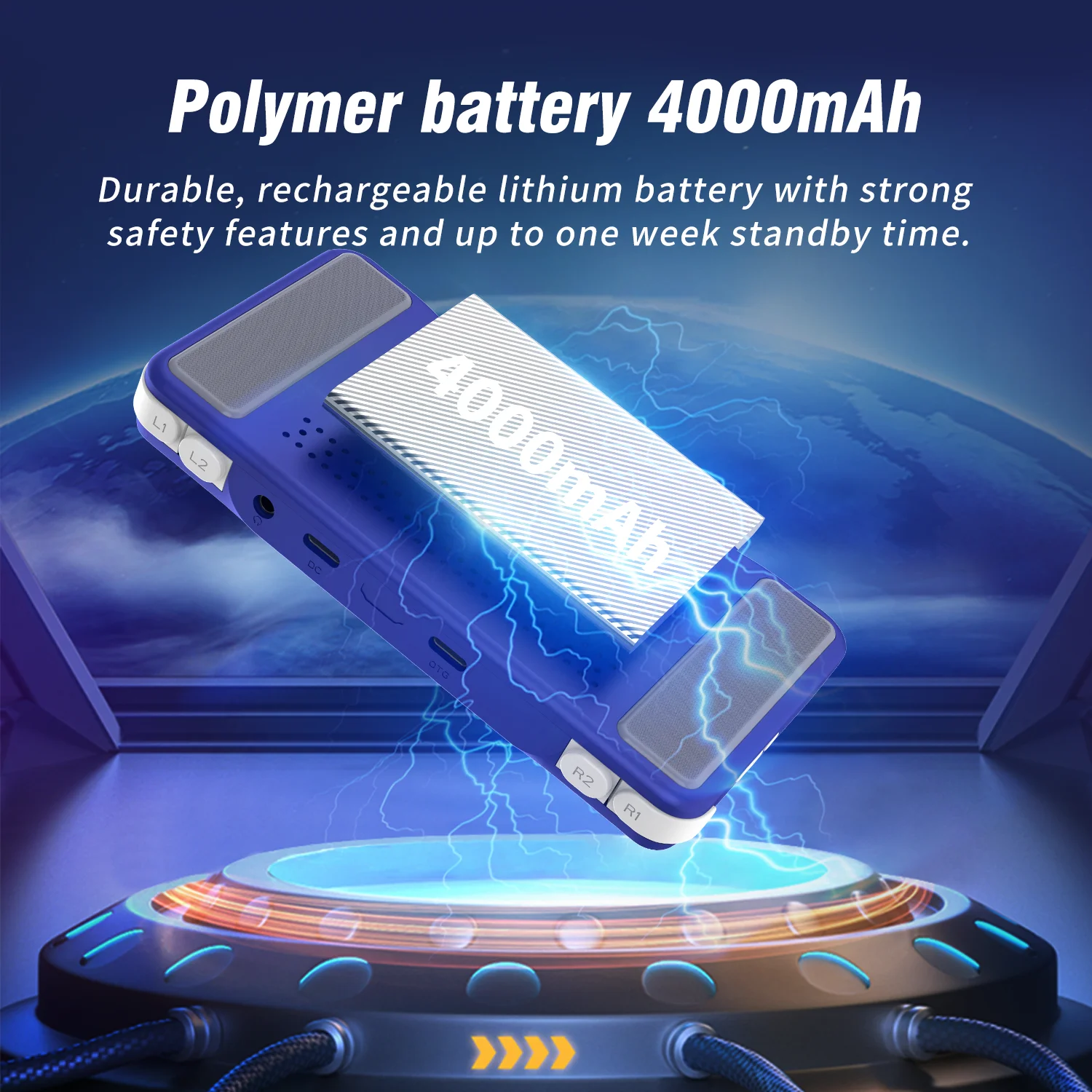
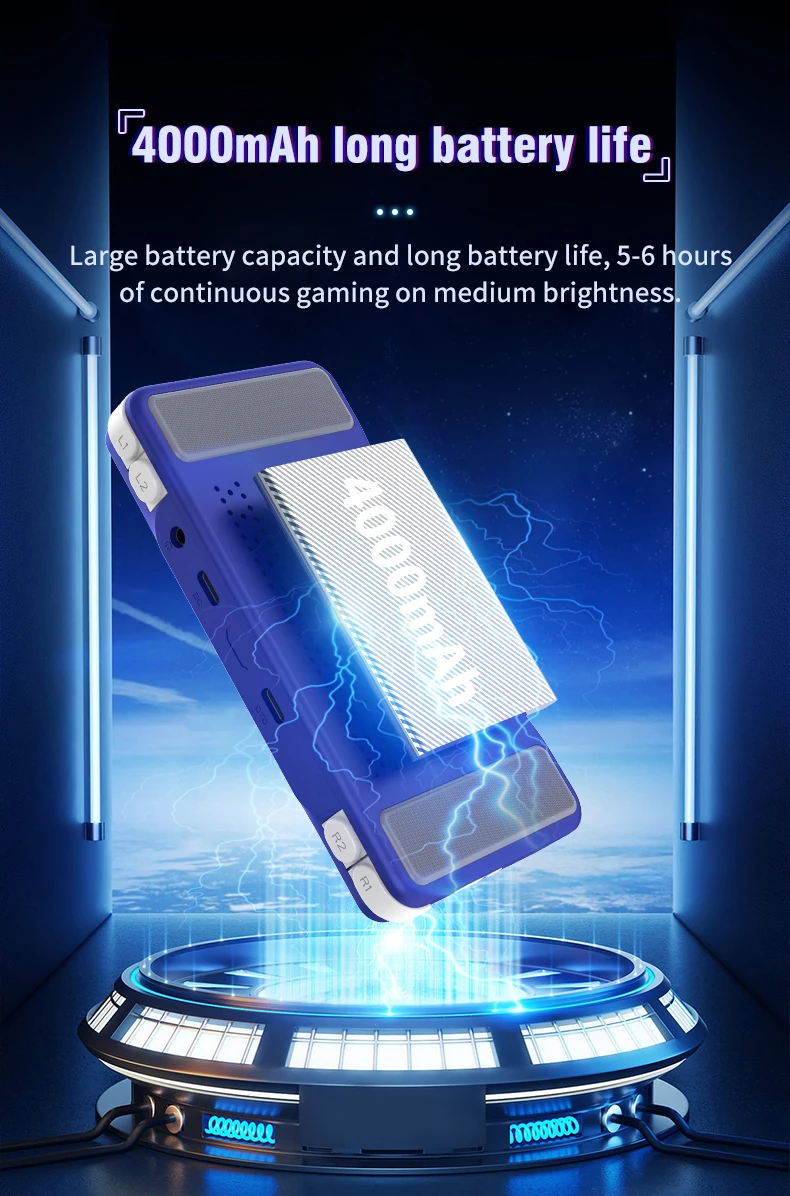
When the red light on the main unit illuminates, please charge it promptly by connecting the charging cable to the DC port. The red light will automatically turn off when fully charged.
Note: Do not press the restart button while charging; the charger parameters must not exceed 5V2A.
Function shortcut key combination:
Three system bug fixes: L1+L2+R1+R2+ (SELECT*3)
Game shortcut key combinations (except PSP and NDS):
Three ways to save your game progress: SELECT + R1
Load saved game progress: SELECT +L1
Exit game: (SELECT+START) *2
Display FPS: SELECT+B
Three pause or cancel the game: SELECT+A
RA Menu: SELECT+X
To enable or disable game acceleration: SELEC+R2
Three game screenshots: SELECT+Y
PSP game button description:
PSP Menu: SELECT+B
PSP game saving steps: Press SELECT + B to enter the PSP menu, then select 1. Settings 2. System →
3.Auto loadsavestate
4. Slot 15. Back 6. Save state (save successful) → 7. Exit to menu (exit menu) → 8. Exit (exit)
-NDS Game Button Instructions:
Press R2: Switch between landscape and portrait screen display;
Press L2: Toggle full-screen mode;
Press the right joystick: Simulate pen mark click:
Press the left joystick: Enter the game's background menu.
How to unlock the three-child mode?
Press the START button three times, select UNLOCK USER INTERFACE MODE, press A, and then press AAABA in sequence to unlock.
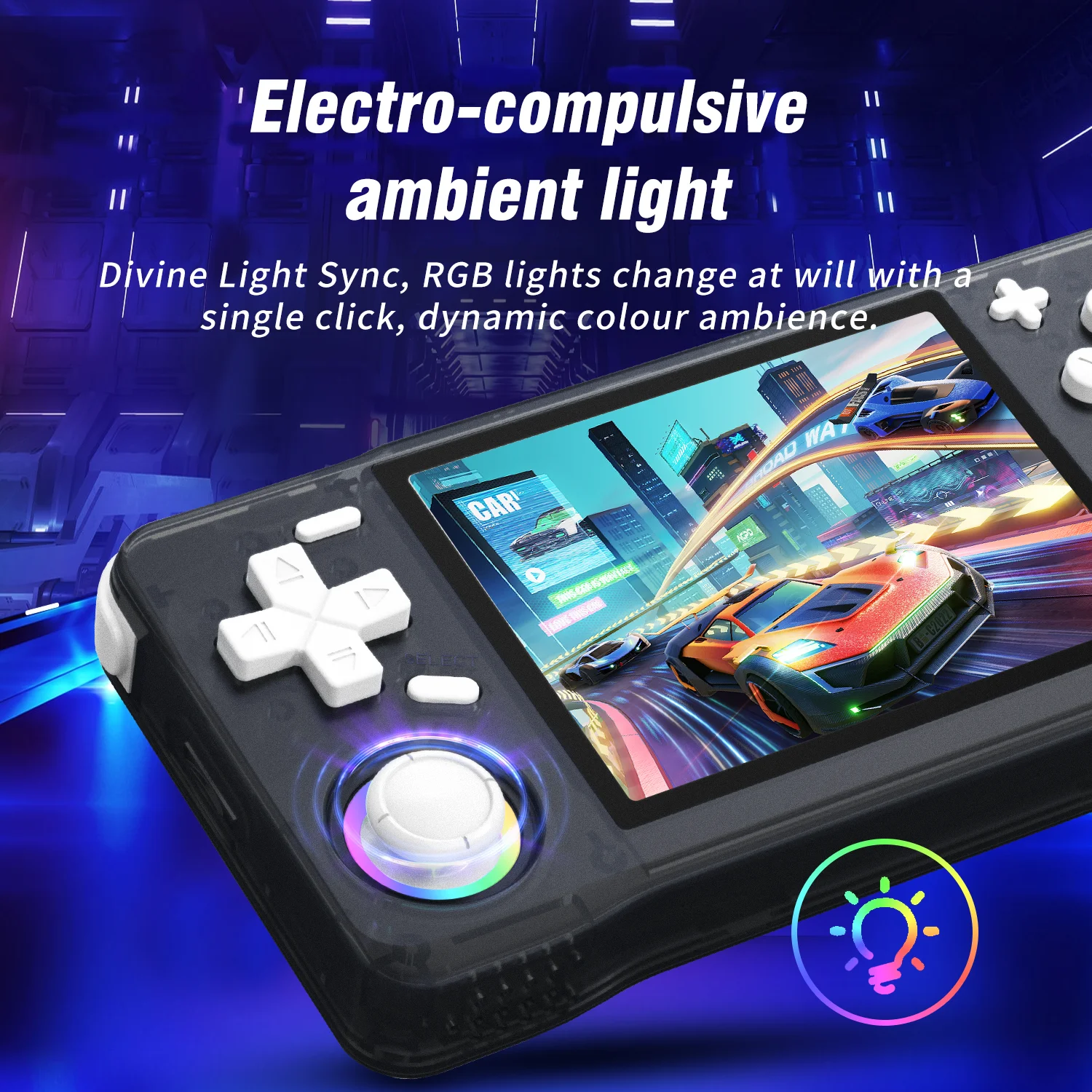
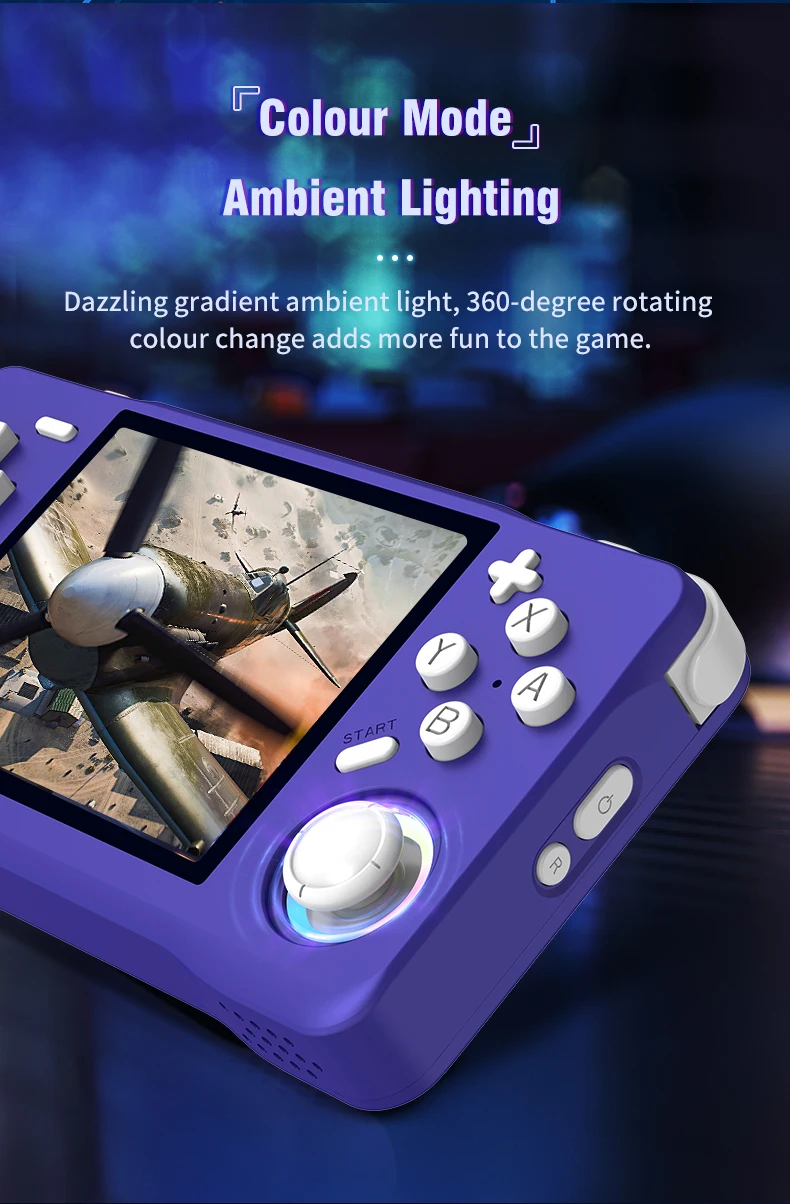
Joystick light settings:
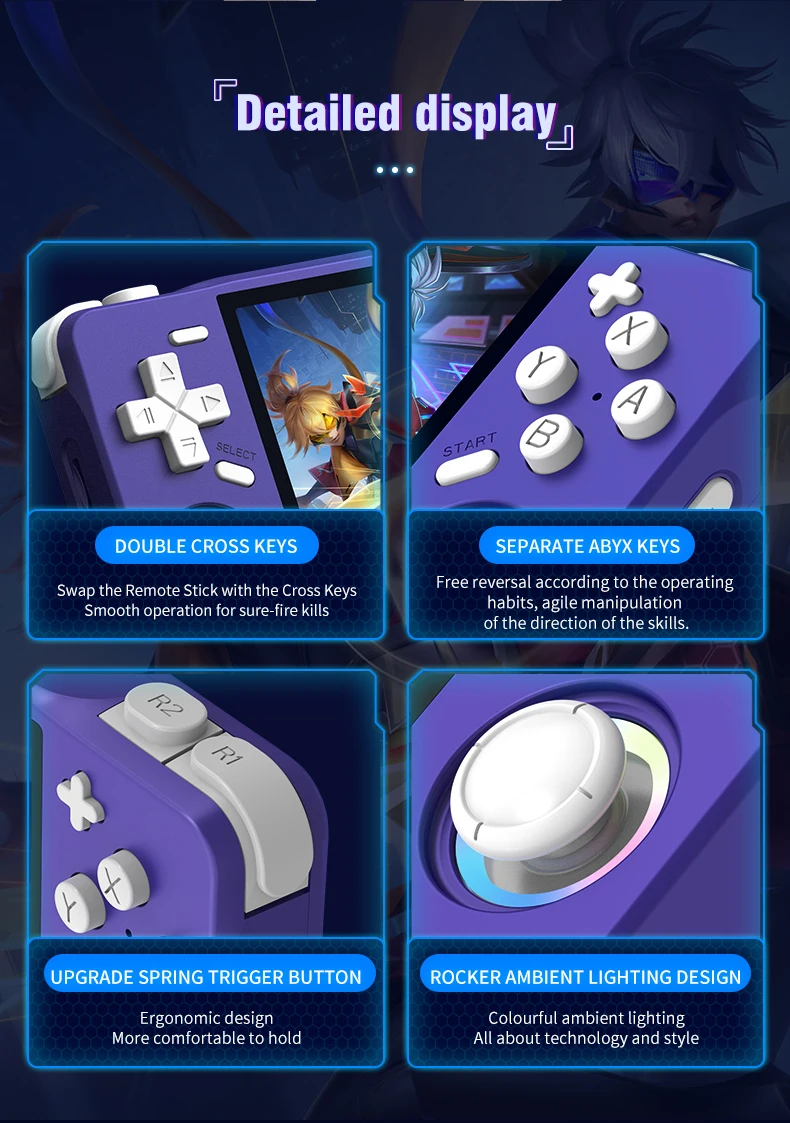
Press the "START" button to enter the menu, and press the button at "LEDS SETTINGS" to enter the option selection.
Videos
Videos for this product
